A typing test shows how fast and how correctly you type on a keyboard. Many schools use it in the computer class and many job tests use it too. If you are a student a typing test is also the easiest way to see your progress. In this guide you will learn what a typing test is what the numbers mean what a good speed is for students and how to prepare step by step. Everything is explained in simple English and you can practice for free on this website.
What is a typing test?
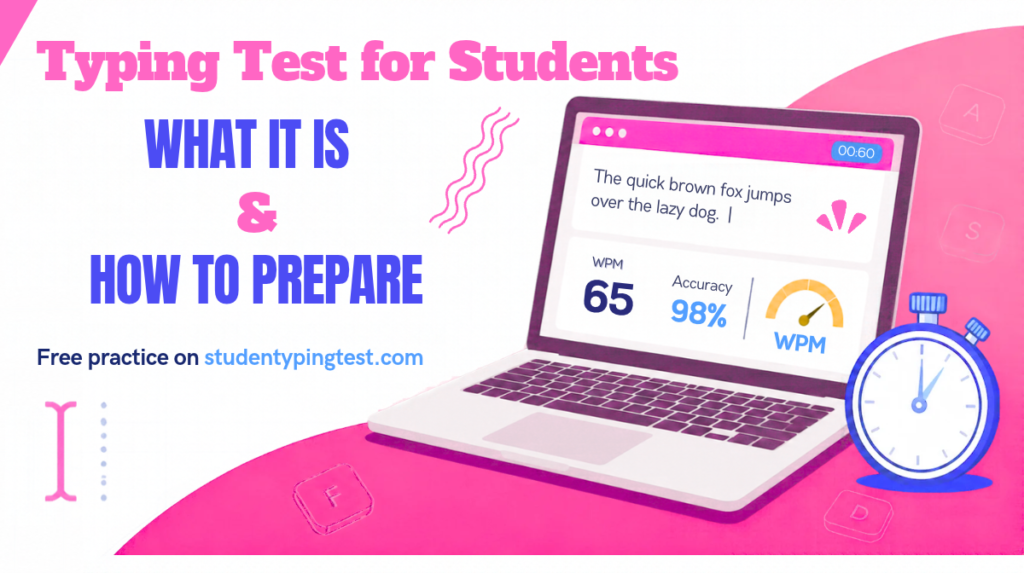
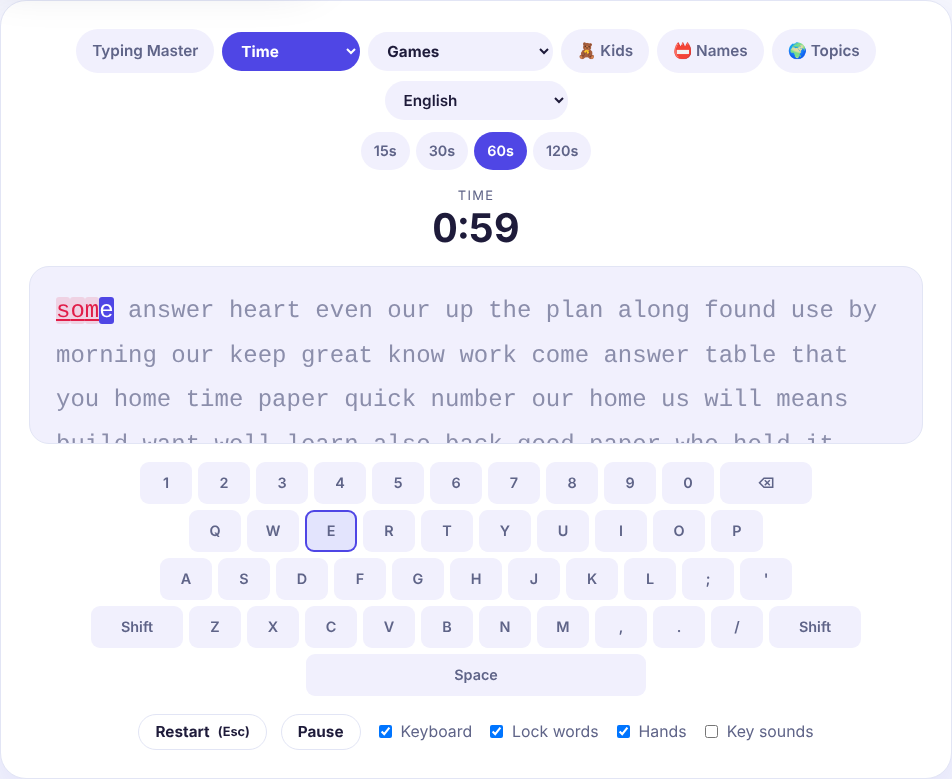
A typing test gives you a short text. A timer starts when you press the first key. You type the text as fast and as correctly as you can. When the time is over the test shows your result: your speed in words per minute (WPM) and your accuracy in percent.
The usual length is one minute but there are shorter and longer tests. On our free typing test you can choose 15 30 60 or 120 seconds or a test with a fixed number of words.
Why do students take typing tests?
- Computer class. Teachers use a typing test to see where each student starts and how much they improve.
- School work. Faster typing helps with homework projects and online exams.
- Jobs and exams. Some jobs such as data entry and office work ask for a typing speed. If you want a job like that always read the official notice because every employer sets its own requirement.
- Personal goals. Many students simply want to type faster than their friends. A typing test makes it a fun challenge.
What do WPM and accuracy mean?
WPM means words per minute. On this website every 5 characters count as one word and letters spaces and punctuation marks all count. If you type 200 correct characters in one minute your speed is 40 WPM.
Accuracy is the percentage of keys you typed correctly. If you press 100 keys and 5 are wrong your accuracy is 95%.
After each test we show three speeds so you can understand your result better:
- Net WPM: only the correct characters count. This is the main speed on this website and the one we use for the ranking.
- Gross WPM: every typed character counts even the wrong ones. Many typing sites show this kind of speed so it is useful when you compare results.
- Word WPM: only whole words that are fully correct count. One wrong letter makes the whole word wrong.
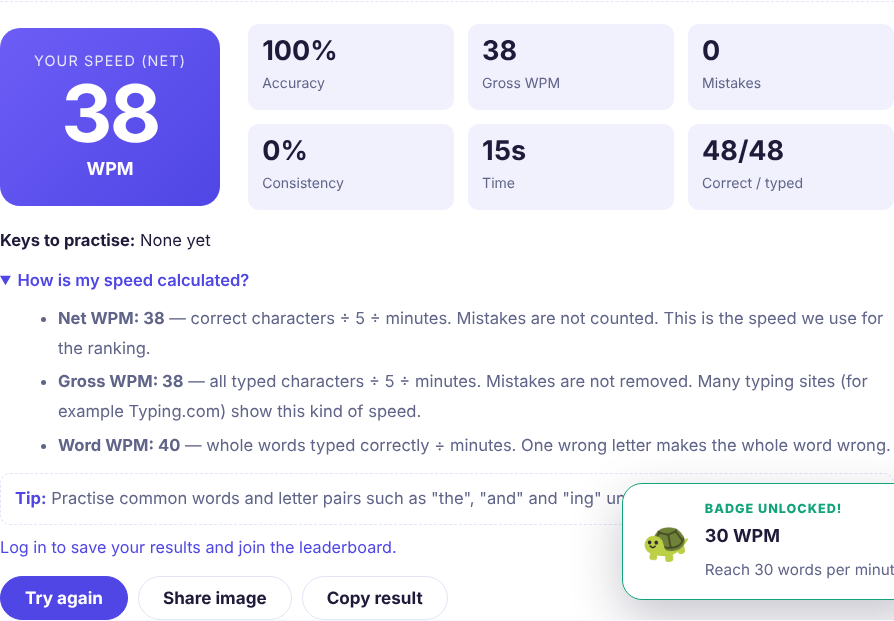
Because sites use different formulas your speed can be a little different from one site to another. This is normal. Always compare your results on the same site so the numbers are fair.
What is a good typing speed for a student?
There is no official number but here is a simple rough guide. Use it to set your goal not to judge yourself.
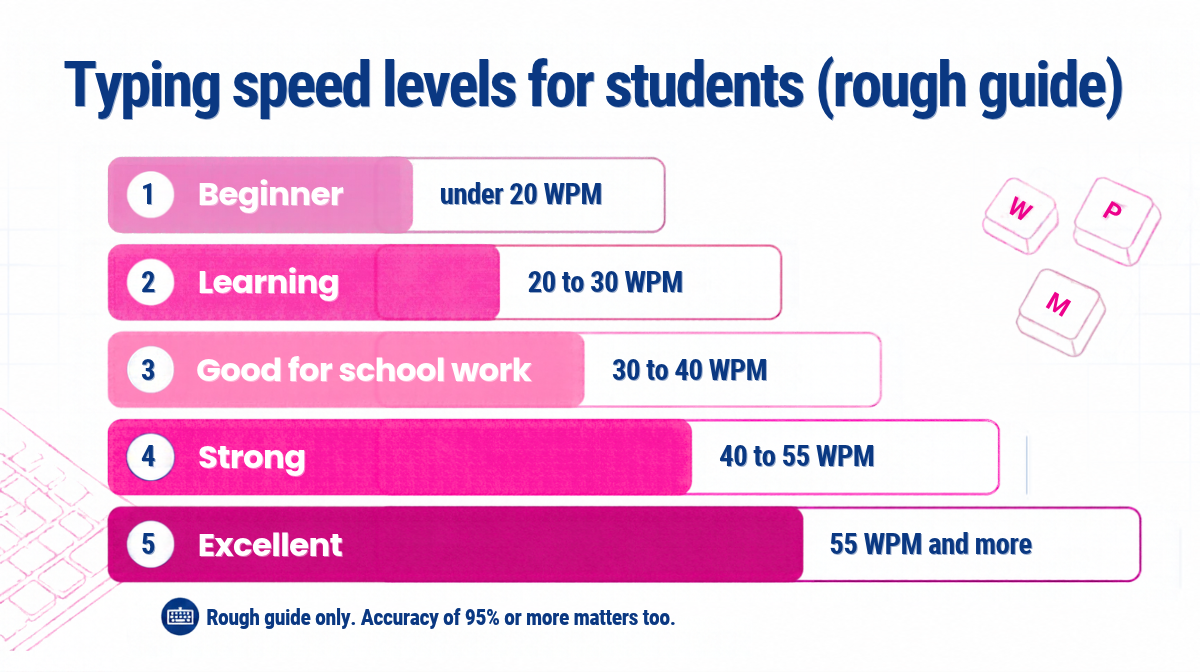
- Under 20 WPM: beginner. You are still finding the keys.
- 20 to 30 WPM: learning. Your fingers start to remember the keys.
- 30 to 40 WPM: good for school work.
- 40 to 55 WPM: strong. This is enough for most office tasks.
- 55 WPM and more: excellent.
If your speed is below 30 WPM do not worry. The best next step is to follow the free Typing Master lessons. They teach you the home row the right finger for each key and every letter step by step. You do not need to install any software.
How to prepare for a typing test: 6 simple steps
Step 1: Learn the home row
Put your fingers on A S D F and J K L ; and rest your thumbs on the Space bar. Lesson 1 of Typing Master teaches this. If you want to start right now open Typing Test Lesson 1. You can also read our full beginner guide Typing Master: Learn to Type From Zero to 40 WPM.
Step 2: Practice a little every day
Fifteen to twenty minutes every day is better than two hours once a week. Your fingers learn by repeating the same movements again and again.
Step 3: Look at the screen not at your hands
This is the hardest habit to change but it makes the biggest difference. Use the coloured keyboard on the screen at the start and switch it off when you feel ready. You can also try the full keyboard page to learn where all the keys are.
Step 4: Fix your weak keys
After every test look at the Keys to practice part of the result. These are the keys where you made the most mistakes. Go back to the lesson that teaches them and repeat the key drill slowly.
Step 5: Make practice fun with games
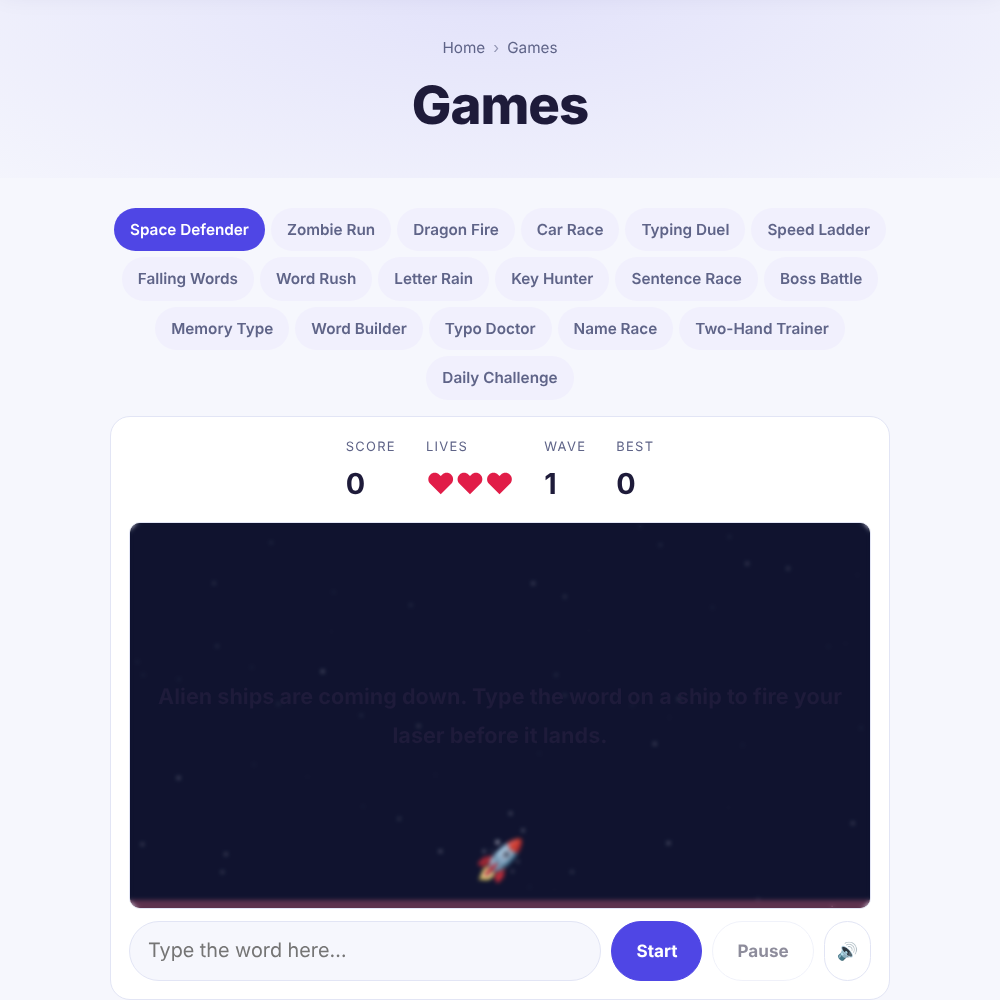
If practice feels boring play a typing game. Our typing games train your speed and accuracy while you play. They are good for a short break between lessons.
Step 6: Test yourself once a week
Do not take a test after every lesson. Take one test a week at the same time of day and write down your speed and accuracy. After a month you will see a clear line going up.
Tips for the day of the typing test
- Sit up straight with your feet on the floor and your wrists relaxed.
- Take a deep breath before you start. Being calm helps more than rushing.
- Read a few words ahead while you type. Your eyes should always be a little in front of your fingers.
- If you make a mistake keep going. Stopping to fix every mistake costs more time than it saves unless the test asks you to correct errors.
- Type at a steady speed. A smooth rhythm is better than fast and slow bursts.
- Do a short warm-up test just before the real one. Even 15 seconds helps your fingers wake up.
Common mistakes students make
- Typing with two fingers. It feels fast at first but it stops you from improving after about 25 WPM.
- Looking at the keyboard. Every time you look down you lose time and lose your place in the text.
- Going too fast too soon. Speed without accuracy gives you bad habits and many mistakes.
- Practising only before a test. A short daily practice works much better than a last-day rush.
- Comparing with other sites without thinking. Different sites use different formulas so your numbers may change a little.
Typing your own name is a good warm-up
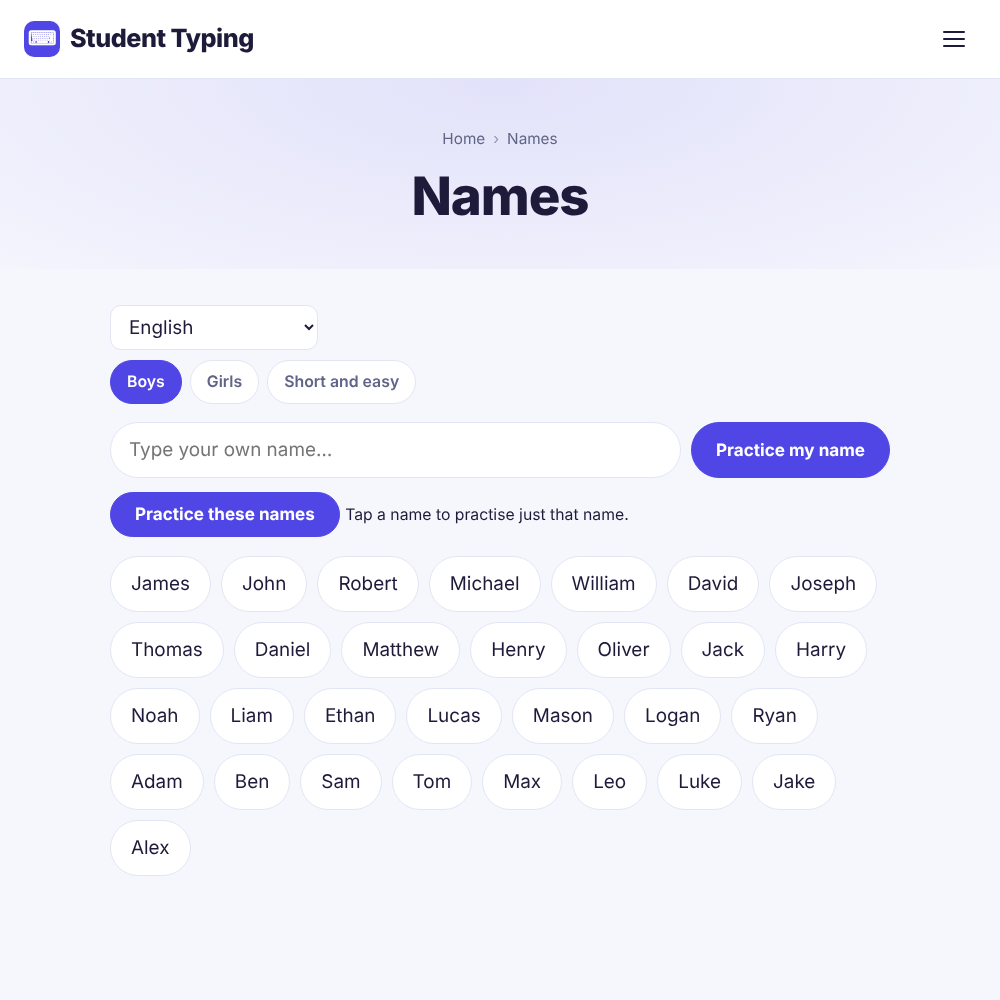
One of the easiest ways to practice is to type words you already know. Many students enjoy typing their own name or the names of their friends. On our name typing page you can type boys’ names girls’ names and short easy names or you can write your own name and practice it. It is a gentle way to start before you try longer paragraphs.
What about younger children?
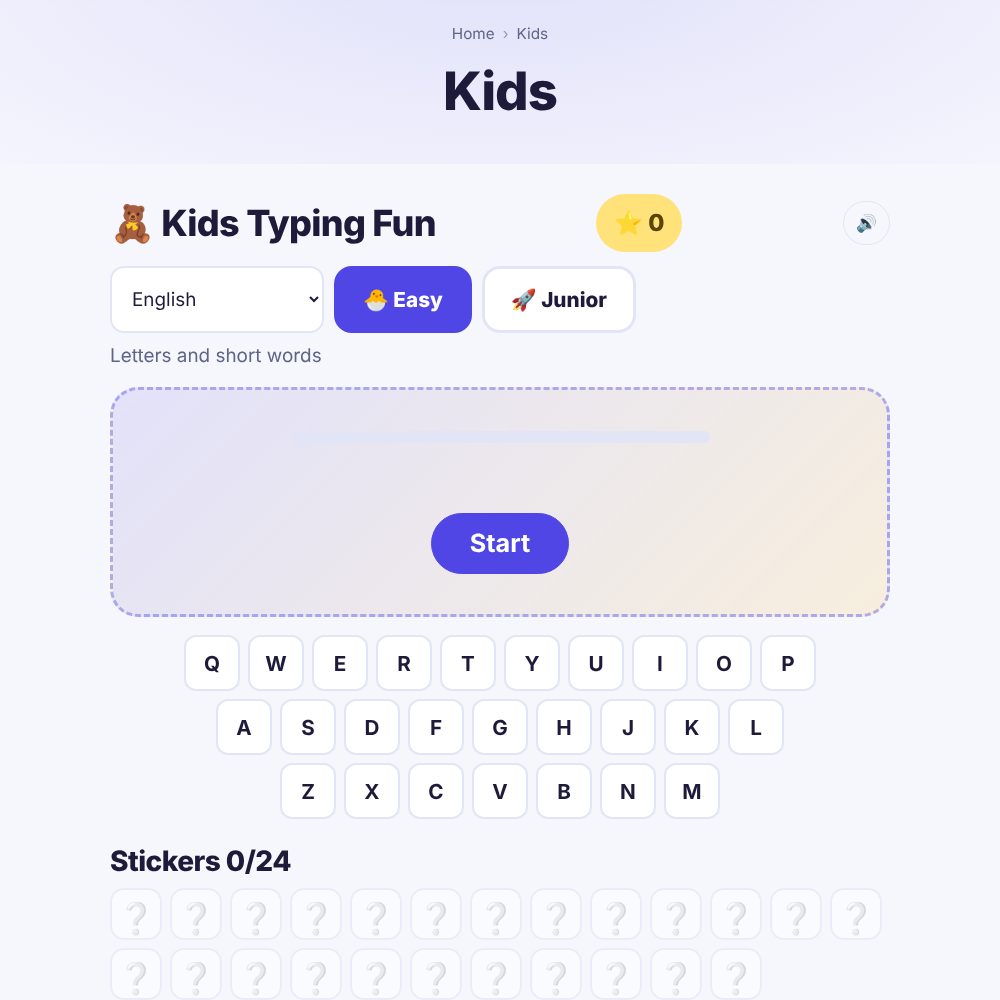
Younger children can start with big letters and short words. Our kids typing page has easy levels stars and stickers so practice feels like a game. A good time to start is when the child’s hands can reach the keys comfortably often around age 7 or 8. Keep the sessions short around 10 to 15 minutes and praise accuracy more than speed.
Online test or manual practice?
Both help but in different ways. A test shows your speed and practice builds it. If you are not sure which one you need read our article on online typing test vs manual practice. For more speed ideas see 10 tips to increase typing speed for students.
How teachers can use typing tests in class
- Start the term with a one-minute test so every student has a starting number.
- Give 10 minutes of typing practice at the beginning of each computer lesson.
- Ask students to compare their own results from last week not with each other.
- Use the lessons in order. Students who finish early can try the games.
- Students who log in can join the WPM Ranking if they want to show their name and country.
Frequently asked questions
How long is a typing test?
Most typing tests last one minute. Short tests can be 15 or 30 seconds and longer ones can be two to five minutes. Longer tests show your speed more fairly because one lucky or unlucky word matters less.
Is the typing test free?
Yes. The tests lessons and games on this website are free. You do not need an account. An account is only needed to save your results join the WPM Ranking or share your result.
Can I use my phone for the typing test?
You can but a computer keyboard gives a much fairer result. Touch typing is meant for a physical keyboard.
Why is my speed different on different websites?
Websites use different formulas different texts and different rules for mistakes. Some sites remove mistakes from your speed and some do not. Always compare your results on one site.
How many words per minute should a student type?
For school work 30 to 40 WPM is a good goal. Many students aim for 40 to 55 WPM later. Accuracy of at least 95% is just as important as speed.
How can I improve my typing speed quickly?
Use all your fingers look at the screen practice a little every day and repeat the lessons for the keys where you make mistakes. There is no magic trick but 15 to 20 minutes of daily practice brings clear progress within a few weeks.
Do I need to install any software?
No. Everything runs in your browser on studenttypingtest.com so you do not need to download or install anything.
Final words
A typing test is not a judgement. It is a starting point. Take your first test today write down your speed and then follow the lessons for a few weeks. Test again and see how far you have come.
Take the free typing test now or start the Typing Master lessons if you want to build your speed first.
Note: the speed levels in this guide are a rough guide only. Real results depend on age practice time and keyboard.